
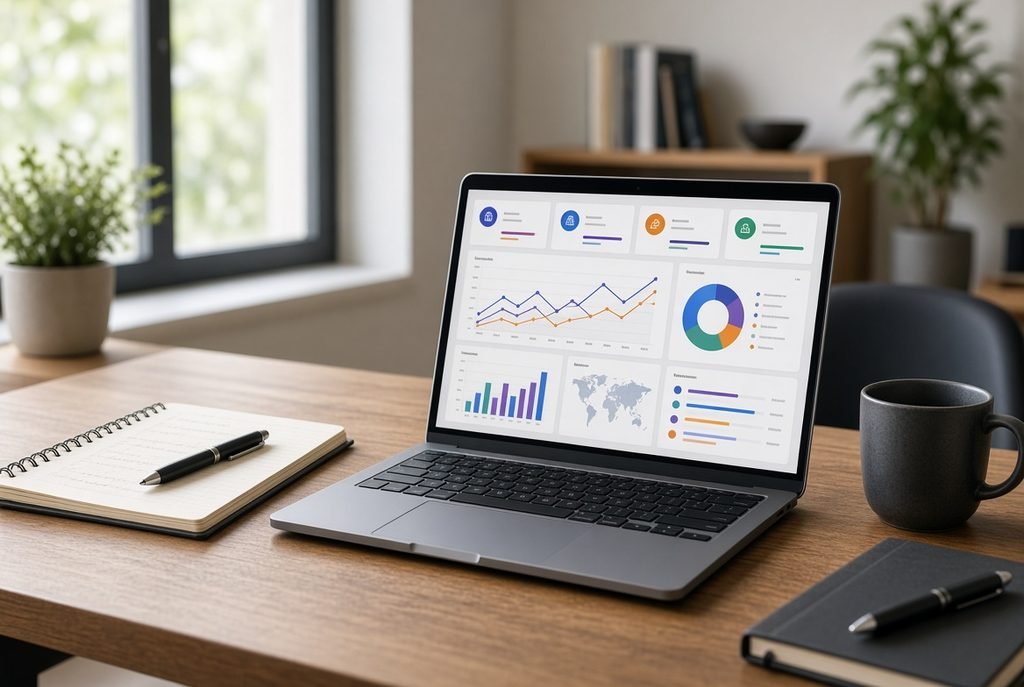
Running a business is not an easy task; you have to manage employees, pay bills, and deal with customers politely to make them happy and many other things, at the same time. If you are still doing it with spreadsheets, notebooks, and rusty software, then we’re sure you feel overloaded. This is the place where Corporate Management Software comes. It helps you by bringing everything to one place. As a result, it saves a lot of time, reduces mistakes, and helps you make the best decisions. In fact, it is not only for big companies; small business owners also benefit from it.
What is corporate management software?
Corporate Management Software is a tool that helps you run your business from a specific spot. You can use it as a command center. With this, you get everything (sales, money flow, projects, employee management, and customer reviews) on one dashboard rather than switching between four applications. A lot of terms work together in it. For example, sales can give you data about the products that have sold and stock. Similarly, managers can analyze reports and track improvement at any time. At the same time, everyone will get and do work on the same information; because of this theirs very low chance of mistakes, and the business will grow with this.
Like an old school that manages data by hard copy, managing the mountains of bundles of papers in storerooms is very boring and tough work. Software does this boring job for you. Therefore, it keeps your data organized and gives you data reports for the growth of your business.
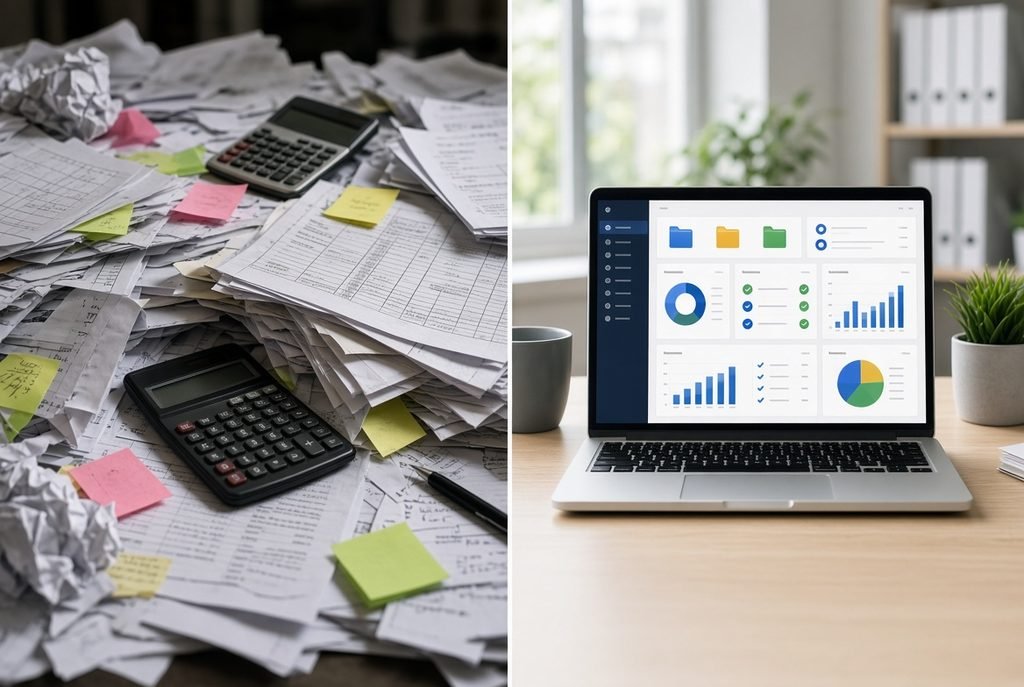
How does the corporate management software work?
It works by connecting things in one system. For example, here’s it written in easy language:
All the business in one place
All your important info is in the same place. For instance, sales, money, and human resources are all in the same system. As a result, managers can look up reports at any time without asking someone for the report. So, because of this, it’s easy to find problems, and you can resolve it quick.
Management of the team
You can enter employee details, check whether they do their assigned tasks or not, and assign new tasks to them. In addition, the manager can look up who’s doing tasks on time or who’s wasting time. This makes your progress faster and makes everyone accountable.
Data and files management
Your invoices, employee details, and other sensitive files are stored in it and will be safe. Also, you can find any document anytime you need it. If you are the owner, you can also set who can access what. The problem of loss of data will be solved.
Key Features of Corporate Management Software:
When you are looking for corporate management software, its key features are;
Management of staff
This covers your employee attendance, hiring of new ones, time in and out, and their performance.
Assigning tasks and projects
The manager can set tasks for employees, assign tasks, set deadlines for projects, and also track the progress of how much work was done and how much is left.
Money management
This helps you to manage sales cash, budget, and expenses. You will track how much money is coming in and going out.
Stock management
This helps you manage your stock, including how many products are on shelves and how much is in the warehouse, when to reorder based on sales, and which items are most popular.
Reports and analytics
You can get reports on how your business is progressing. You can also filter data by date, product, and pricing.
Security
Your business will be protected by passwords and user permissions. Only people with access granted by the owner can view sensitive information.
Benefits of corporate management software:
Why do you get this? Because it solves your problems and saves your time.
Saves your time and money
You need to spend much less time on manual work. In addition, you also save money by not spending it on paper and rusty software.
Get better decisions
You can get absolutely accurate data. As a result, this means that you can make decisions very quickly rather than waiting for many days for reports from your old software.
Look up the progress in real time:
You can see what was the progress of your business at any time without any delay. Moreover, if sales are dropping or there are any other cost issues, you will know right away.
Lessens your mistakes
When the computer operator physically types the data by hand, he makes some mistakes because he’s human. However, software doesn’t make these mistakes; it does the bulk of the calculations in seconds without making a single mistake.
Keeps your data safe and private
Your information will be safe more then from spreadsheets or paper files. In addition, regular backups and safety features keep data protected.
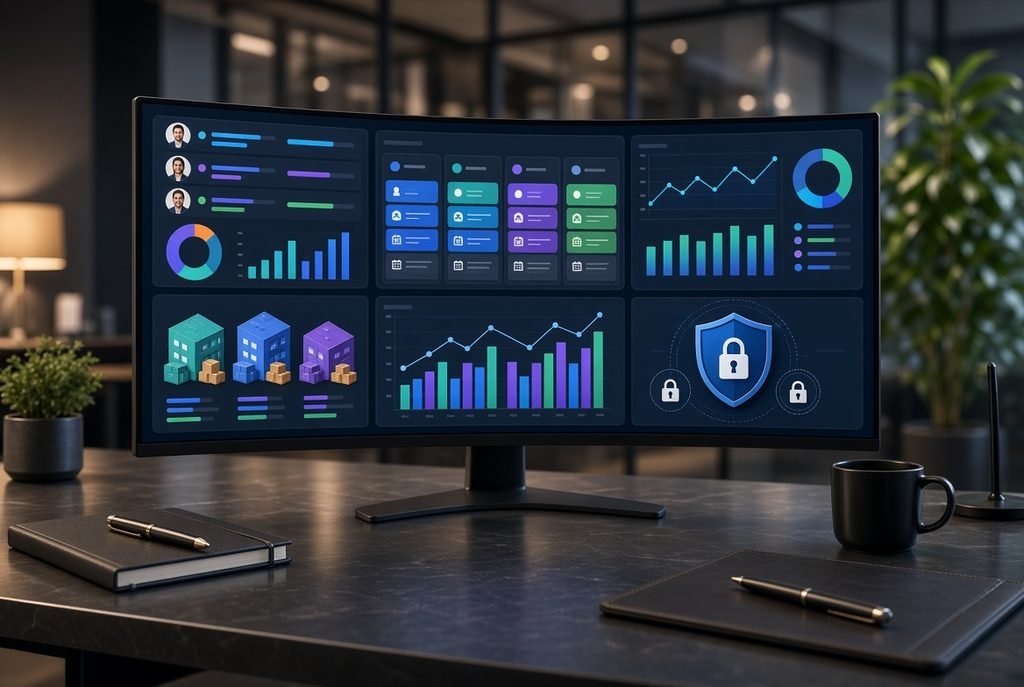
Types of corporate management software:
Every business needs a different type of software. For example, types are listed below;
Enterprise resource planning
Enterprise resource planning software connects stock, supply chain, human resources, cash flow, and many more. Therefore, it is the best one for large industries with larger operations.
Customer relationship management
CRM is totally focused on customers. For example, this helps to find customer interests, manage sales, and improve services.
Project management software
This helps to plan projects with your team, assign tasks, and set meetings for better progress of business.
Human resources software
This helps to handle employees’ records, attendance, track who’s doing well and who’s just wasting time, and hiring duties.
Who can get benefits from corporate management software?
Almost all businesses can get benefits from it. For example, small businesses use it to organize and manage their data so they can fully focus on growing. Similarly, medium-sized businesses can use it to handle more customers and their interests and handle a lot of employees in the best way. Large industries and big firms use it to manage thousands of people and to manage their multiple business branches.
Retail shops use it to manage their sales and stock. Likewise, service companies use it for customer and schedule management. Professionals’ offices use it for client and document management.
Corporate Management Software for Small and Large Businesses:
Small businesses want affordable and simple solutions. They want software that helps with stock management, customer and task management. However, they don’t want a complicated setup.
Large businesses want powerful software. In addition, software that allows customization, with advanced security. A system that connects them with other systems allows multiple users to access it from any location.
The best factor is that cloud-based management systems grow with you. For example, it means that you start with basic subscriptions and add features later as your business grows. Therefore, you don’t have to change the system later.
How to choose the best corporate management software:
Choosing the right system is important. For example, here are the steps:
Know your needs
Find out your problems. For instance, what do you want to fix through software? Which departments will use the software?
Check out the features.
Check that the software has the features that you need. However, don’t pay for the things you don’t have any need.
Think about growth
Does the software handle your business as you grow on the way to success? Therefore, choose software that grows with your business.
Check out security must-haves
Check is software will protect your data; if it will do so, how? In addition, check user permissions and backups.
Compare the prices
After checking the features of software must compare their prices and also find is you will get training or support. Also, protect yourself from hidden charges.
Check for customer support
Check if it provides chat and call features. Also ask about training.
Cloud-based corporate management software:
Cloud-based management software is trending nowadays and is easy to use. For example, you can access this type of software from anywhere with an internet connection. It updates itself automatically, so the latest version is always available. It backs up your data regularly, so your data will not be lost.
Corporate management software vs Traditional management methods:
| Feature | Traditional Management | Corporate Management Software |
|---|---|---|
| Data Management | Manual | All in one place |
| Reporting | Takes forever | Automatic |
| Communication | Messy | Organized |
| Data Access | Limited | Real-time |
| Errors | More likely | Fewer |
| Growth | Hard | Easy |
Cost of corporate management software:
The pricing depends on many factors. For example, the greater number of users means a higher cost. Features also generate cost. In addition, basic features had less cost, and advanced ones are more costly. Customization and user access also make software more costly. Cloud-based solutions are charged monthly, while maintenance and technical support increase the cost, and system set up had a high cost.
Why businesses should invest in corporate management software:
Over time, the real value becomes clear with the passage of time, when you save hours daily. You reduce your mistakes. Your decisions become faster. You control things in a better way. By using software, your things work smoothly. Therefore, corporate management software is not only waste of money; it is very useful for management, and it take you business to the top by managing your data and saving backups of your necessary data.
FAQ’s about corporate management software:
What is corporate management software?
In short, it is business management software that manages your business operations. It manages employees, stock management, cash flow, customer dealings, and reviews in one place.
What are the benefits of corporate management software?
For example, it saves time and tracks money flow; it also helps you to make better decisions by improving your teamwork and reducing your problems.
Is corporate management software suitable for small businesses?
Yes, many affordable software options are available for small businesses. Small businesses can start up with fewer features and add more features later.
Is cloud-based corporate management software secure?
Trusted providers use strong security and regular backups. In fact, it is safer than keeping files only on a local computer.
How much does corporate management software cost?
It depends on the features, security, and maintenance you want from the software.