
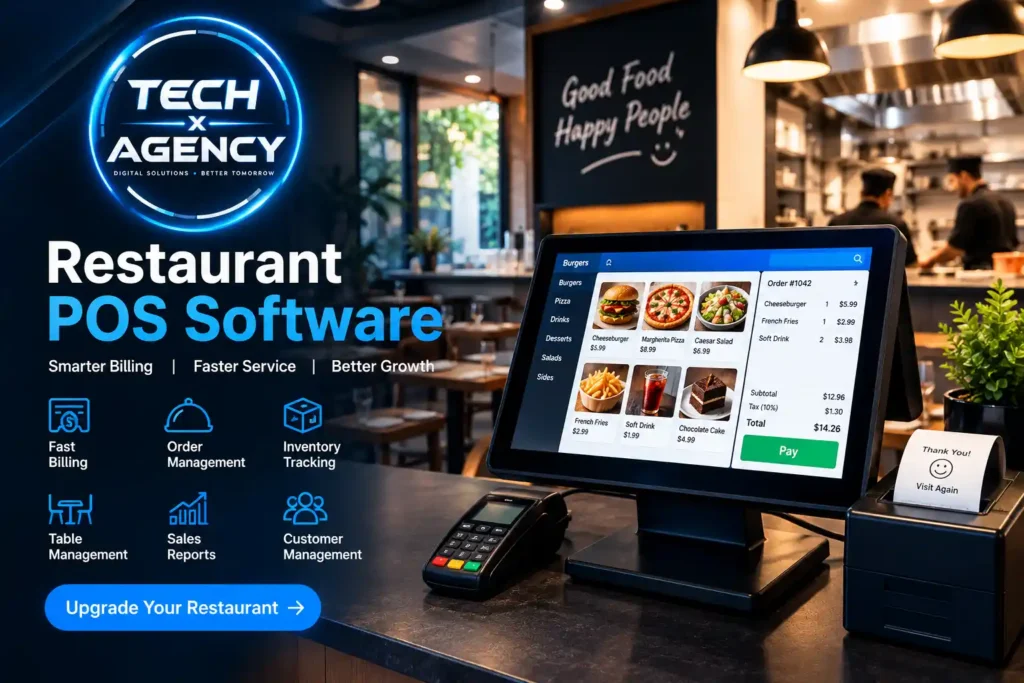
It’s not easy to run a restaurant without the right equipment. That’s where restaurant POS software enters into the picture; it streamlines the billing, order management, inventory checking and daily tasks from a single system. So, if you’re a restaurant owner who has no desire to deal with manual registers and paperwork, this type of software is a must have if you want to remain competitive.
So, what is the Restaurant Point of Sale Software?
Restaurant point-of-sale software is an electronic system that is used to replace a cash register. However, it actually does so much more than process payments. For instance, it can take orders, log them into the kitchen, automates stock log and creates reports.
Why a Restaurant Needs This System
Time is of the essence in restaurants. This is what makes it essential for restaurants to have a dependable restaurant point of sale system.
- Quicker order processing – orders from the counter to the kitchen within a split second.
- More accurate billing (automated calculations, less mistakes)
- Also, the ability to better manage inventory — always know what’s available!
- Real time sales tracking — track sales performance at any point in time, not just closing time.
- Better customer service – employees are more attentive to customers rather than the manual bills.
The Essential Elements of a POS System
Ideally, restaurant billing software should have tools such as:
- Fast counter billing
- Order management for dine-in, take-out and delivery service.
- Table management
- In the kitchen, order tickets are known as Kitchen Order Tickets (KOT).
- Managing menu and modifying items.
- The inventory management software for restaurants that is designed in-house.
- Various payment options (such as cash, card and digital payment)
- Customer management & loyalty tracking
- Sales and performance reports
- Staff and user management.
- Secure access controls
- Off-line support in the event of internet outages.
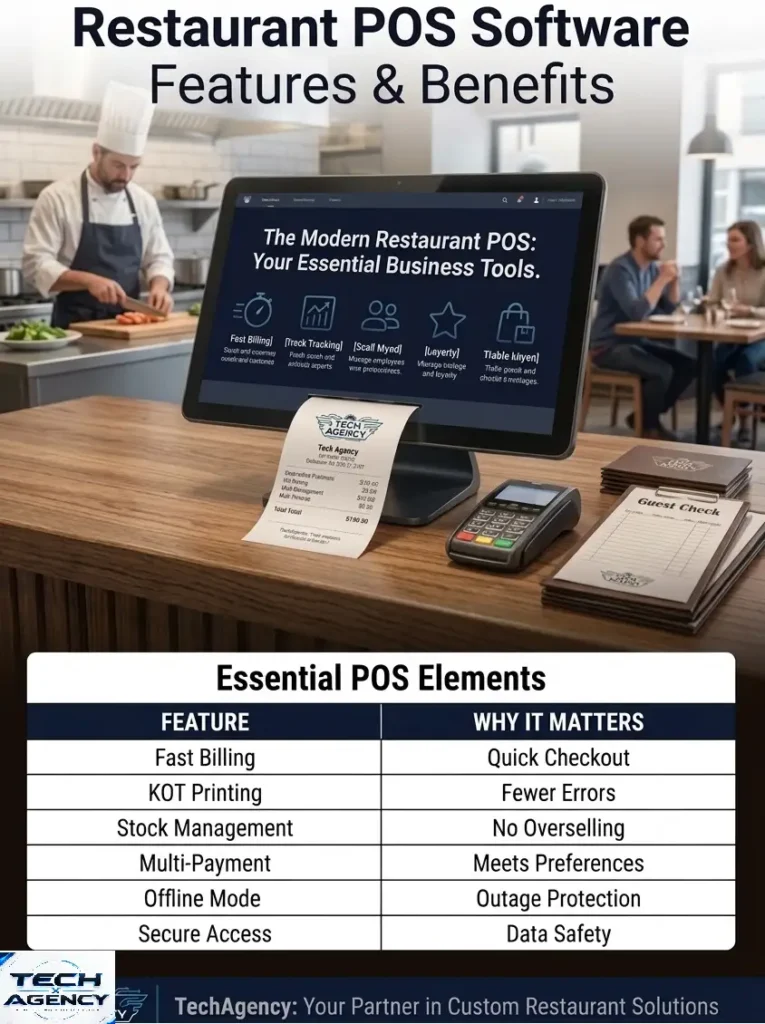
| Feature | Why It Matters |
|---|---|
| KOT Printing | minimizes order mistakes |
| Stock Management | Eliminates Overselling |
| Multi-Payment Support | Yes, it does meet customer preferences |
| Offline Mode | Maintains sales despite outages |
There Are Different Types Available
Overall, each restaurant is unique and a good restaurant management system will respond to this. So, the software should be able to align itself to your workflow, not the other way around – whether you are operating a dine in restaurant, fast food joint, café, takeout counter, bakery or have several locations.
Running a Restaurant Requires Efficient Daily Management
Generally, the effect is fast and direct once installed. For example, faster order & checkout leads to shorter queues. Meanwhile, better kitchen coordination means fewer confusions and real-time inventory tracking means no more wasted time on running out of popular items. Plus, proper reporting and hassle-free employee management make the whole process more relaxed.
Customized Restaurant Point of Sale Software
There are many restaurants where they do require something built based on the requirements of theirs. In that case, a customised POS system can be helpful here:
- Specific features for your restaurant type
- Custom Reports and Dashboards
- Scalability to add features as they develop.
- Custom Billing and receipt formats.
Restaurant POS Software for Businesses in Pakistan
Naturally, a good restaurant POS software solution is different to every local restaurant, and it caters to their specific requirements: tax-ready billing, cash, card, and digital payments, and workflow optimised for local operations. Besides that, what is practical here is the multi-branch management, Urdu and English interface and has local technical support as well.
Cloud-Based vs. Local Restaurant Software
- Cloud-Based POS: Can be accessed anywhere, perfect for multi-branch monitoring.
- Internet (Online) POS: works online, necessary if internet connectivity is not reliable
- Hybrid POS: Offline with cloud backup.
Ultimately, it depends on the internet reliability, size and number of branches that you have.
What You Require to Select the Right System
First, look for ease of use, hardware compatibility and off-line functionality. Also, data security is important – OWASP guidelines offer a good set of practices to safeguard payment data. Additionally, when a web dashboard (such as Web Dashboard and installation) is part of your system, standards documented on MDN Web Docs can impact the security of your system. Lastly, consider customization, support and long term pricing and not just the initial price tag.
Why Opt for TechXAgency’s Solution?
At TechXAgency, restaurant POS software is created around your business. As standard, all these things come with custom POS solutions and software customization, business-specific features, installation, staff training, and continuous updates.
Specifically, TechXAgency can tailor your Restaurant POS to suit your particular requirements.
- Gain insight into your restaurant’s process
- Configure required features
- Develop/Modify Software
- Run the system through extensive tests
- Install and train staff
- Provide ongoing support
Restaurant POS Software Pricing
Generally, pricing depends on:
- Extra development time is required to build the custom features – customize costs
- Hardware and setup – printers, card machines and displays
- More locations involves more complexity, specifically in the form of multi-branch and user requirements.
- Support and maintenance — continuous updates and troubleshooting.
So, contact us for an exact quote.
FAQs
Which restaurant POS system software is the best?
Overall, this will depend on the size and requirements of your restaurant, but a system that has quick billing, KOT integration, inventory management and offline support is suitable for most restaurants.
What does a Point of Sale (POS) System do in a restaurant?
In short, it’s a software solution that processes orders, bills, kitchen communication and sales tracking in a single platform, obviating manual registers.
How to use a POS system in a restaurant?
First, orders are placed at the counter or table, then the system sends them to the kitchen automatically, and finally, a few taps and billing is done.
Which is the ideal POS for a small restaurant?
Generally, smaller restaurants do not require complex and costly systems that are cumbersome to bill, have complex inventory tracking or are online.
So what should be the best restaurant accounting software?
In many cases, restaurant systems also have built-in financial reporting capabilities, which eliminates the need for an additional accounting system.
Pingback: Best CRM for Ecommerce Businesses - techxagency.com