
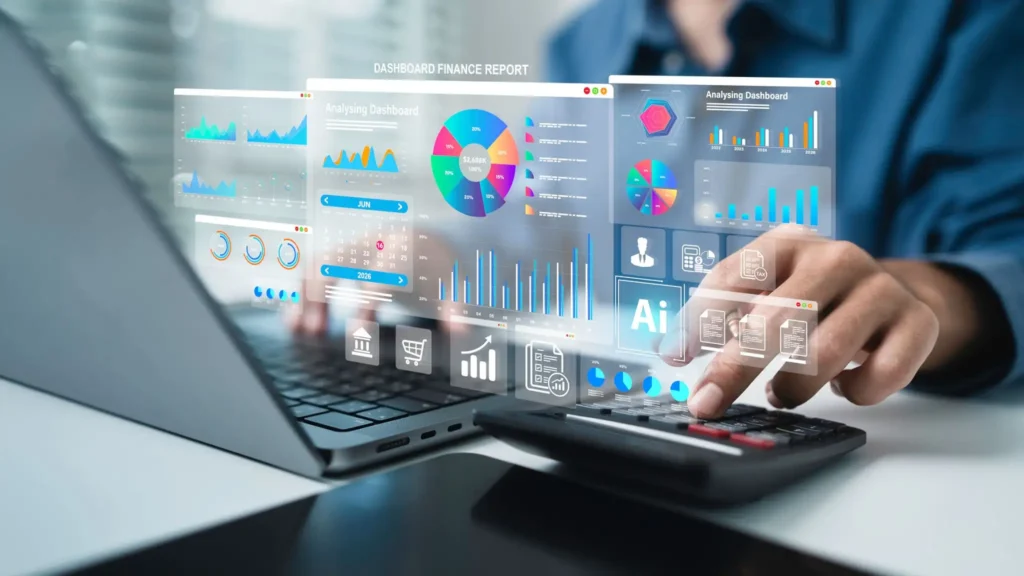
Accounting ERP systems unite your finances, sales, inventory and purchasing in one application. Since your team works from one source of truth, there is no need to juggle spreadsheets and different tools. As a result, you can make better decisions and close the books quicker.
This guide describes what these systems are. Apart from that, it will cover some of the most important aspects and how to select among them.
What are Accounting ERP Systems?
An ERP (Enterprise Resource Planning) system will tie your main business processes to one database. Microsoft’s overview of ERP states that it is a tool for the company to coordinate finance, supply chain and HR functions. That is, all things are in one location.
In an accounting ERP system, finance is at the heart of the system. Because of this, your books are automatically updated every time you make a sale, buy a product, or move some stock.
The Difference Between Accounting Software and ERP
Simple accounting programs keep track of transactions. An ERP, on the other hand, is able to connect those records with the remaining aspects of your business. For instance, if you make one sale, your stock will update and so will your revenue.
| Feature | Accounting Software | Accounting ERP System |
|---|---|---|
| Scope | Finance only | Finance plus operations |
| Data | Often siloed | Shared across departments |
| Automation | Limited | Extensive |
| Growth | Outgrown quickly | Scales with you |
Therefore, the basic tools are not enough to support growing teams.
Accounting ERP Systems Can Enhance Financial Management
A good ERP system for financial management can eliminate manual tasks and minimize mistakes. For the majority of teams, these areas yield the greatest improvements:
- Invoicing: Invoices are automatically generated from sales orders, so no invoices are lost.
- Accounts payable and receivable: Keep track of what is due to the company and, likewise, what is due from the company.
- Expense tracking: You also record expenses by department, project or category.
- Financial reporting: Balance sheets and profit statements take minutes instead of days.
- Real-time data: View cash flow and margins in real-time.
Additionally, finance managers have less time to enter data. Rather, they concentrate on analysis and budgeting.
Key Features of Modern ERP Systems
Modern ERP systems are more than just bookkeeping. Prior to comparing vendors, you should take a look at this ERP software features list:
- Accounting and finance: General ledger, tax handling, multi-currency.
- Stock control: Stock levels and reorder alerts, so you are never left with a stock hole.
- Sales and purchasing: Quotes, orders and supplier management all in one place.
- Reporting and dashboards: Easy to read visual summaries of important numbers.
- Automation: Approval workflows, recurring entries and reminders save hours of your time each week.
- User permissions: Role-based access, keeping sensitive data protected.
- Integrations: Bank, payment gateways and e-commerce connections.
Together, these features make it possible to control your business without having to install any additional software. Also, see how the pieces fit in IBM’s guide to enterprise resource planning.
ERPs in Real Life Examples
There are various ERP uses for real businesses. For instance:
- A retailing organization synchronizes the sales data from its stores with stock and accounts.
- A manufacturer also records the cost and profit of each product and keeps track of the raw materials and production costs.
- Likewise, purchase orders and supplier payments are automated by a distributor.
Although all businesses have the same concept, each will set it up differently.
Benefits of Flexible & Industry-Specific ERP Solutions
A flexible ERP will bend to your processes rather than make you change them. Similarly, industry-specific ERP solutions are designed for the particular needs of each industry. For instance, a construction company requires project costing, while a pharmacy involves batch and expiry tracking.
The principal advantages are:
- Automation: Repetitive tasks are performed automatically.
- Mistakes drop: Because data is entered once, accuracy is preserved.
- Scalability: You can add users, branches and modules as you grow.
- Custom workflows: Approvals and reports are according to your rules.
- Easier expansion: Since the system adapts itself to you, expansion is easier.
To sum up, flexibility safeguards your investment. Otherwise, the system could need to be replaced in three years.
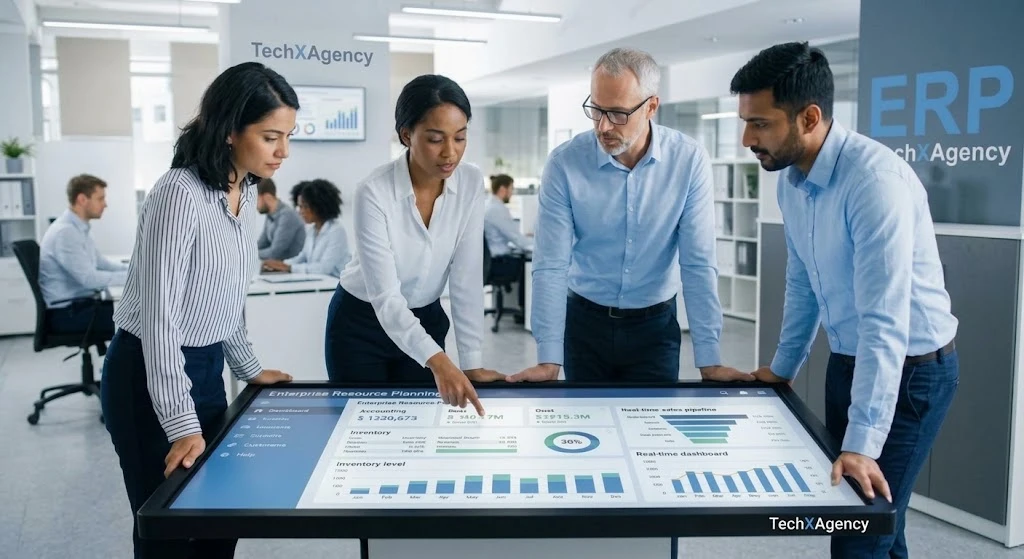
How to Choose the Best End-to-End ERP System
The best end-to-end ERP systems with integrated accounting have a few common features. Therefore, as you’re considering your options, refer to this checklist:
- Business requirements: First, identify your required processes.
- Features and modules: Then compare them to your list.
- Customization: Next, see how flexible workflows are to make adjustments.
- Security: Also search for encryption, backups and access controls.
- Integrations: Make sure it integrates with your existing tools.
- Scalability: Ensure that it can accommodate an increase in users and data in the future.
- Implementation and support: Lastly, inquire about support after launch.
Importance of ERP System Levels
Typically, there are three tiers of ERP system levels, which include those of the vendor. Given that, knowing them restricts your search.
| Level | Best For | Typical Traits |
|---|---|---|
| Tier 1 | Large enterprises | Highly complex, high cost |
| Tier 2 | Mid-sized businesses | Balanced features and price |
| Tier 3 | Small businesses | Simple, quick to deploy |
The majority of SMEs will be Tier 2 or Tier 3. Despite all this, however, there is a way in between, which is a custom-built system that meets your requirements.
So, Why Opt for an ERP Services Company?
Purchasing software is only half the battle. Then a proficient ERP services company assists you to derive real value from it. In particular, a good partner manages:
- Custom ERP development designed around your workflows
- Integration with your existing tools
- Implementation with minimal disruption
- Data migration from spreadsheets or legacy systems to a new system
- Training to ensure that your team is confident
- Support and maintenance following the go-live
If this support is missing, then many projects stall. But with it, your team gets the system quicker and easier, and sees results faster.
Request a Customized Accounting ERP Solution for Your Business
We create and develop accounting ERP systems to match your business operations at TechX Agency. In addition to development, we also plan, launch, and provide ongoing support.
Our solutions include:
- Professionally designed modules in finance, inventory, sales and reporting
- Industry-specific workflows
- Smooth data migration and team training
Looking to make your finances easier? Call us today for a free consultation or demo.
FAQs
1. What is an ERP system in accounting?
An ERP system in accounting is software that manages financial activities such as invoicing, expenses, accounts payable, accounts receivable, general ledger, budgeting, and financial reporting in one centralized system. It can also connect accounting with sales, inventory, purchasing, and other business operations.
2. What is an ERP system accounting?
ERP system accounting refers to using Enterprise Resource Planning software to manage and automate accounting processes. It helps businesses record transactions, create financial reports, track payments, manage expenses, and maintain accurate financial data across departments.
3. What are ERP products?
ERP products are business software solutions designed to manage multiple business functions through one integrated platform. Common ERP products include accounting, finance, inventory management, purchasing, sales, human resources, manufacturing, and customer management modules.
4. What does ERP system stand for?
ERP stands for Enterprise Resource Planning. An ERP system is software that integrates important business processes and data into one centralized platform, helping organizations manage operations more efficiently.
Pingback: Custom Software Development for Enterprises - techxagency.com
Pingback: Best CRM for Ecommerce Businesses - techxagency.com
Pingback: Best Pharmacy Software in Pakistan: Features & Benefits - techxagency.com