
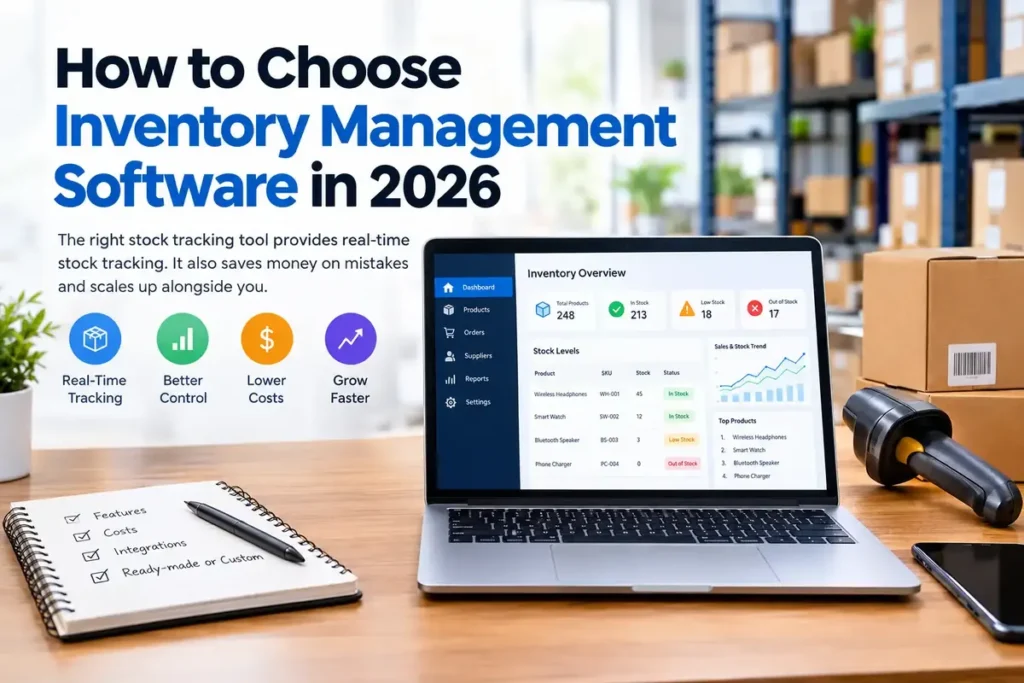
Learning how to choose inventory management software could save your business hours each week. The right stock tracking tool provides real-time stock tracking. It also saves money on mistakes and scales up alongside you. Here you will find a description of the important features, costs, and options, and when custom software is the better choice.
Short answer: There’s no short answer, except that you’ll need to do two things first: list your needs and establish a budget. Then, look at features and integrations. Lastly, decide whether to use a ready-made tool or create custom software.
What Is Inventory Management Software?
Inventory management software keeps all products, stock, orders, and suppliers in a single place. It updates in real time, so it eliminates speculation and replaces it with facts. First, you add products with an SKU. Then, each transaction, whether a sale, return, or delivery, updates your stock level automatically. Very good inventory control means having the right products in the right place at the right time, according to NetSuite’s inventory management guide. However, spreadsheets break down quickly when orders start to increase.
Why Is It Important to Choose Inventory Management Software Carefully?
When in doubt, consider the consequences of failure. An ill-fitting tool is a hindrance, not a help. A bad one hinders, while a good one helps.
- Fewer stock errors. Counts are live, which means you never sell items you don’t have.
- Faster fulfillment. Therefore, staff can find and ship products sooner.
- Lower costs. For instance, you don’t tie up cash in slow-moving stock.
- Smarter purchasing. In addition, sales data reveals which products to reorder and when.
8 Key Features to Look For
Not all features are necessary for all businesses. However, these eight address most needs.
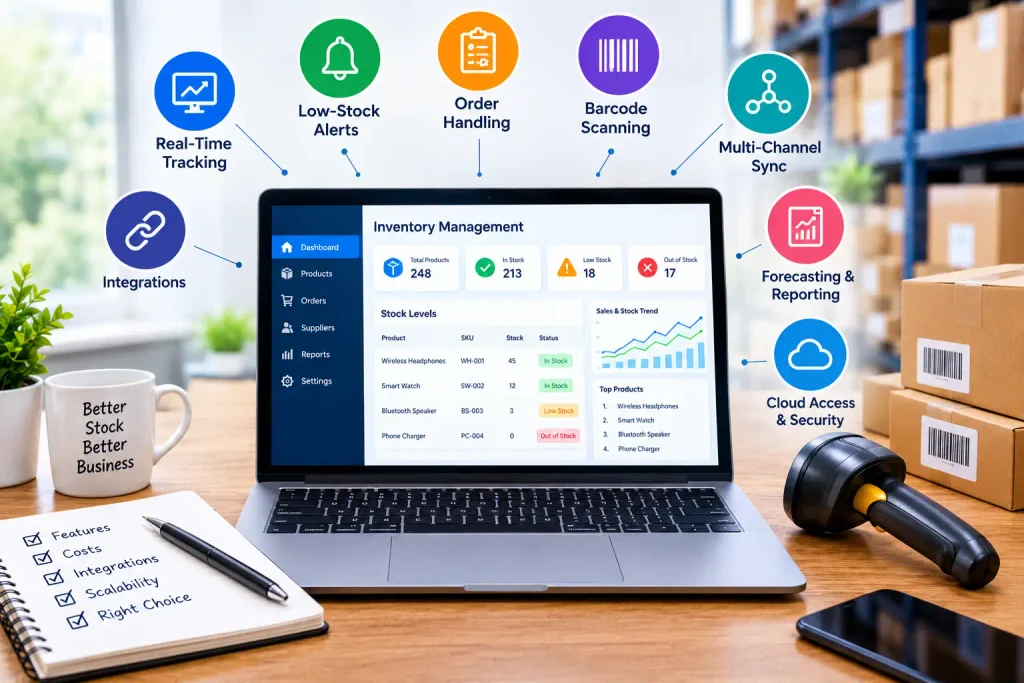
- Real-time tracking. Stock counts must update as soon as you make a sale. Otherwise, you’re dealing with past numbers.
- Low-stock alerts. First, set a minimum level for each product. After that, the system will alert you to prevent running out.
- Order handling. Create sales and purchase orders on a single platform. This means that no information is lost.
- Barcode scanning. Scanning corrects typing errors. In addition, it improves the speed of receiving and picking.
- Multi-channel sync. For those who sell on marketplaces, online, and in stores, syncing ensures all counts are accurate. Thus, you do not have to pay for double sales.
- Forecasting and reporting. Best-seller and demand trend reports assist you in planning purchases. They also indicate which stock is slow.
- Integrations. Make sure that the tool links to your store, payment system, and accounting software. Otherwise, you’ll enter the same data twice.
- Cloud access and security. You can use cloud tools anywhere. But make sure that they have backups, user permissions, and encryption.
How to Choose Inventory Management Software That Meets Your Requirements
Consider the following 8 points, one by one. They will reduce the number of demos that you do, since each of them restricts the choices you can make.
- Identify your needs. Focus on the pain points. Do you count items too many times or too late, or sell at prices that are too high? Next, record the number of products, selling methods, and places.
- Set your budget. The first step is to determine how much you’ll be able to afford each month and each year. The U.S. Small Business Administration (SBA) provides guidance on business finances.
- Choose cloud or on-premises. Cloud software is less expensive than software that you need to install and update. On-premises software, on the other hand, provides more control but requires servers and IT support.
- Examine features and integrations. First off, divide your list into what you MUST have and what you would really like to have. Next, verify that each tool integrates with your current tools.
- Compare user-friendliness. If you can’t get your team to learn it fast, they won’t use it. So, look for a clean dashboard and onboarding support.
- Evaluate scalability. The best option supports more products, users, and locations. Hopefully, it doesn’t cause a price shock.
- Review support. You should always look at support hours and response time. Additionally, check out customer feedback.
- Try things out first; don’t commit. Never buy blind. Rather, try a free trial or demo to see live tasks first.
Ready-Made vs. Custom Inventory Software
Once you have done some research on tools, you might find that none of them is exactly what you need. If so, it’s time to consider custom inventory software. Some ready-made tools will serve your needs well. But they require you to work around the software! Custom software, on the other hand, is versatile and modifiable.
- It fits your workflow. Because it follows your team’s workflow, there are no complicated workarounds.
- It connects to your systems. For instance, it can link your merchant system, bookkeeping software, and scanners the way you need.
- No paying for unused features. Instead of unneeded frills, you get features that matter.
- Grows on your schedule. This means that when you add a location or sales channel, there is no need to change platforms.
- You own it. Moreover, you do not experience vendor price increases or loss of features.
While custom software is more expensive at the beginning, it has the potential to save a lot of money over time. It is especially beneficial for businesses that have multiple sites or complex stock. If this sounds like you, contact a development group, let them know what you need, and request a timeline and a budget.
Best Fit by Business Type
Your business model influences your needs. So, here are some things to prioritize.
- Small businesses: Look for ease of setup, low cost, and essential tracking. Fancy extras are not necessary.
- Retail stores: Connect real-time counts to the point of sale. For instance, low-stock alerts and barcode scanning are key.
- eCommerce sellers: Fast storefront and marketplace syncing is key. Order automation saves the most time.
- Wholesalers and manufacturers: Bulk ordering and batch tracking are desirable. Similarly, order entry software is crucial.
How Much Does Inventory Management Software Cost?
Prices vary widely. Most tools, however, charge by location, order quantity, or user.
- Subscription: Usually a monthly or yearly fee that includes updates, etc.
- One-time license: A one-time payment. But upgrades and support may cost extra.
- Custom development: A cost tied to a project. In exchange, you receive software that fits you, without per-user costs.
Also, plan for barcode scanners, setup, data migration, and staff training. Don’t compare the sticker price; compare the total annual cost. Some free tools can prove valuable to very small shops. However, they usually limit products, users, or reports, and you may outgrow them soon.
Comparison Checklist
Use this table to mark off tests for each tool. This way, your decision remains fair.
| Feature to verify | What to verify |
|---|---|
| Features | Alerts, reordering, and barcode scanning |
| Cost | Keep your price lower |
| Integrations | Store, accounting, and shipping tools |
| User-friendliness | Dashboard and training requirements |
| Growth | Support hours and room to grow |
Common Pitfalls People Make When They Choose Inventory Management Software
- Spending money on superfluous features. Rather, buy or build just what you need.
- Ignoring integrations. Otherwise, you have to enter the data twice.
- Buying on price. After all, the lowest price can be the most expensive in terms of mistakes.
- Forcing software into a process where it doesn’t belong. Software that does not fit into your workflow will not be used.
Looking to Adopt Custom Inventory Management Software?
Now you know how to choose inventory management software for your business. If you already have an existing tool that meets your needs, then you’re in luck! Otherwise, beware of any that bog down your team. Come talk to us about your needs, and we’ll help you design and develop software that will work for you.
FAQs
Can you use bookkeeping software to keep track of inventory?
Basic bookkeeping tools can track simple stock levels. They typically don’t have alerts, forecasting, or multi-channel syncing, though. As a result, as you grow, dedicated inventory software that manages it all suits you better.
What is the ideal inventory management software for a small business?
There is no one perfect answer. However, choose software that aligns with your size, budget, and sales channels. Besides, basic setup features are more important than advanced features at this point.
Does custom inventory management software make sense?
Yes, if pre-made tools don’t fit the way you work. It follows your process, so your team’s efficiency increases and you don’t have to pay for features you aren’t using. But it is more costly in the beginning, and it suits growing or complex businesses better.
Should I go with cloud or on-premises software?
Cloud, which costs less up front and works from anywhere, is most popular for small and mid-size businesses. On-premises software, though, is appropriate for businesses requiring maximum control and having IT resources.
Pingback: Best CRM for Ecommerce Businesses - techxagency.com
Pingback: Best Software Company in Pakistan: How to Choose in 2026 - techxagency.com